 成长值: 924 成长值: 924
签到天数: 5294 天 [LV.Master]伴坛终老
|
 发表于 2026/5/16 22:18
|
显示全部楼层
|阅读模式
|
发表于 2026/5/16 22:18
|
显示全部楼层
|阅读模式
| Google Chrome 148.0.0.0 | Windows 10
Linux centos7下用1panel面板把自己的opentracker二进制文件制作成docker容器来运行,支持兼容arm指令集,关闭虚拟内存swap和发布镜像
创建然后进入文件夹,把自己的二进制文件和配置文件上传进去
- /opt/1panel/docker/build/opentracker
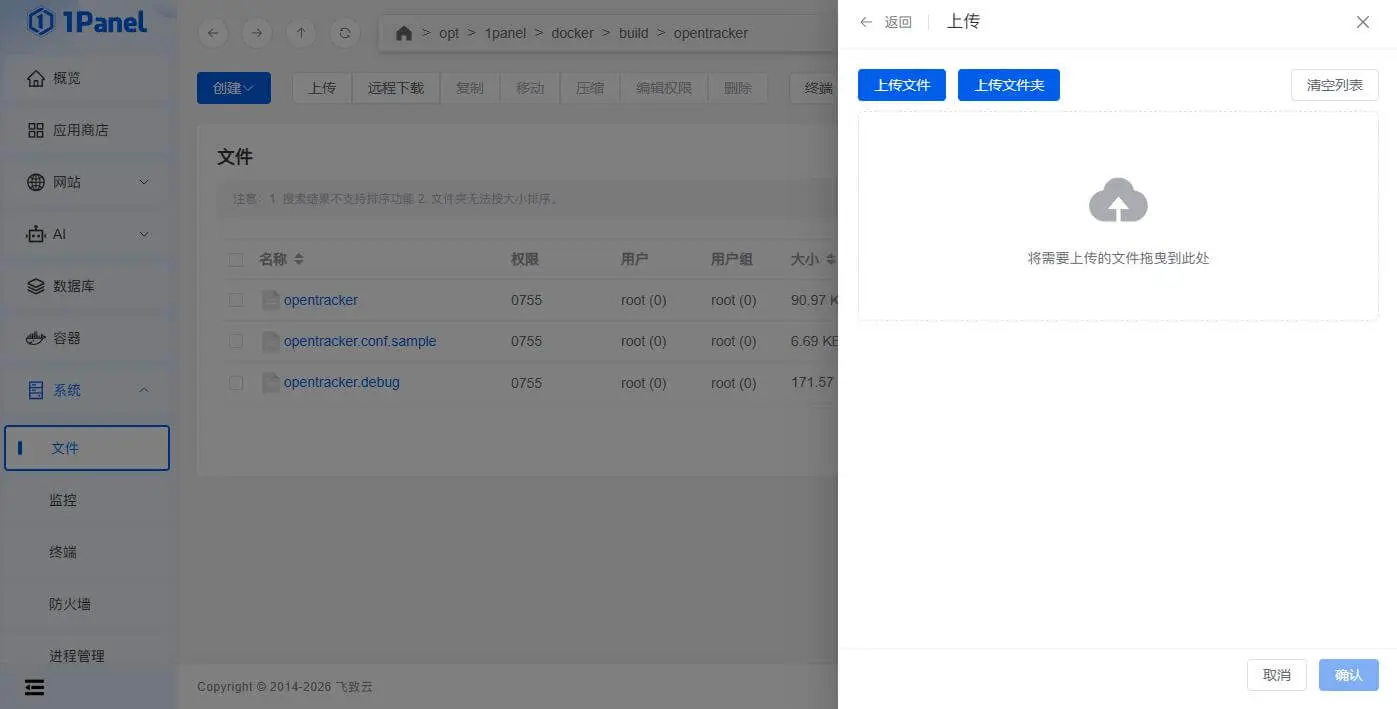
拉取一个镜像作为底包,这里选择兼容 amd64 & arm64 指令集的比特彗星webui镜像作为底包,比特彗星底层也是c语言,等于和自己的opentracker程序运行环境一致
- wxhere/bitcomet-webui:latest
使用构建镜像功能,编辑Dockerfile文件然后直接确认
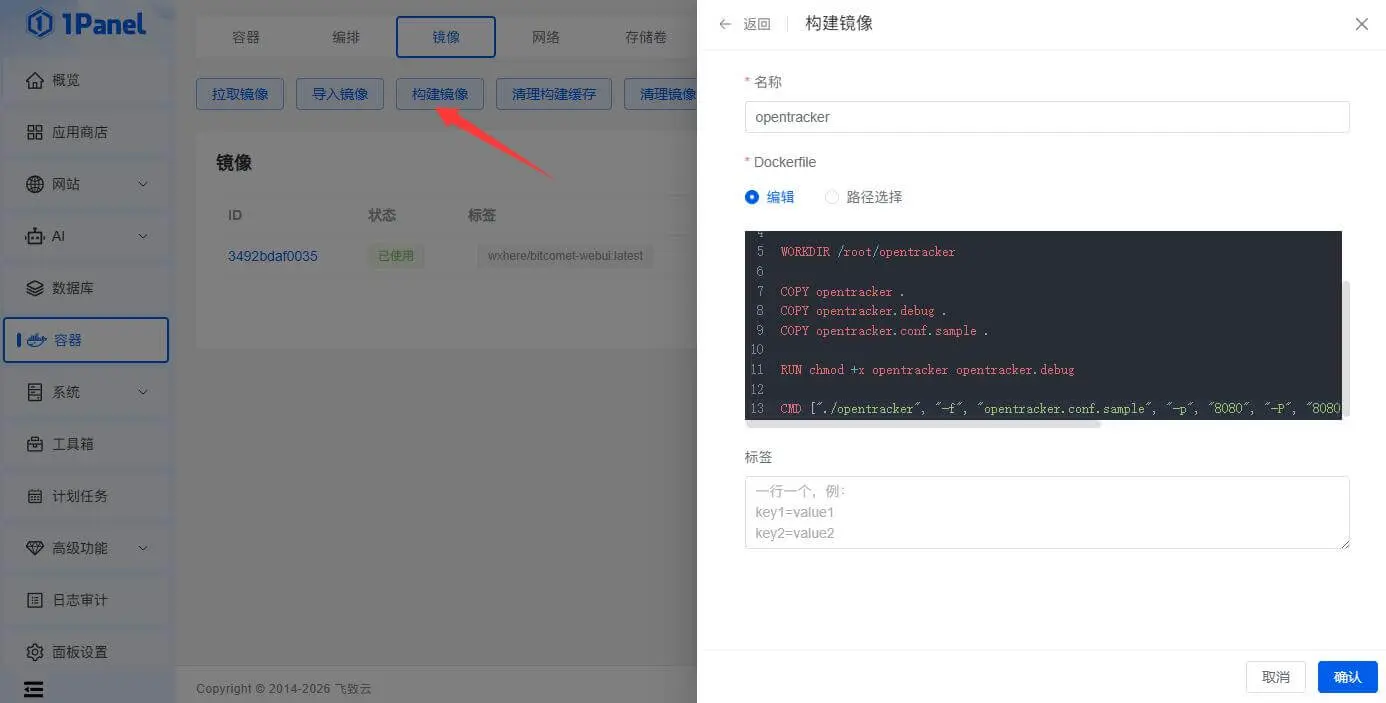
- FROM wxhere/bitcomet-webui:latest
- USER root
- WORKDIR /root/opentracker
- COPY opentracker .
- COPY opentracker.debug .
- COPY opentracker.conf.sample .
- RUN chmod +x opentracker opentracker.debug
- CMD ["./opentracker", "-f", "opentracker.conf.sample", "-p", "8080", "-P", "8080", "-p", "6961", "-P", "6961", "-p", "2710", "-P", "2710"]
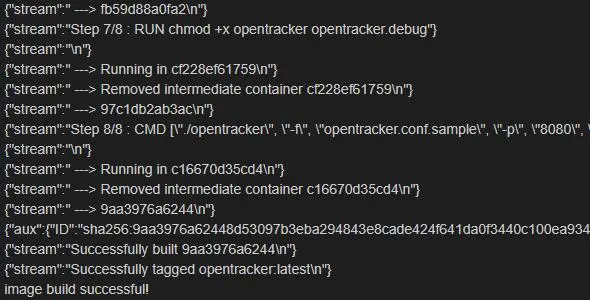
开始生成新的docker镜像
使用编排功能,创建opentracker容器,如果需要其它端口可以在下方command中设置,此容器必须这样去创建,强制关闭虚拟内存swap功能
- services:
- sandbox:
- container_name: opentracker
- image: opentracker:latest
- network_mode: "host"
- restart: always
- mem_limit: 512M
- #Auto calculate available the swap value (memswap_limit - mem_limit). 0 = close
- #自动计算可用的 Swap 值 (memswap_limit - mem_limit)。0 = 关闭
- memswap_limit: 512M
- command: ["./opentracker", "-f", "opentracker.conf.sample", "-p", "8080", "-P", "8080", "-p", "6961", "-P", "6961", "-p", "2710", "-P", "2710"]
1panel添加仓库,填写邮箱和密码就能推送到网页发布容器镜像了,所用的容器镜像底包版本为v2.20
https://hub.docker.com/r/1265578519/opentracker
不考虑性能的话,可以做成docker,对比了下运行在docker的host模式,由于增加了上下文切换,性能损耗在26%左右,因为底层是对接网卡的,经过docker变成用户态,ksoftirqd内核层占用了,多了一层上下文切换
优化下来等于26%差距已经是极限了,除非彻底不要docker,直接在宿主机上运行效率是最高的,用性能换便捷,我觉得没毛病,随便点几下就部署好了,不用源代码去编译


|
|



